


Text to Video
Start with a simple text prompt and let AI transform your concept into a cinematic video.
UncensoredView is a privacy-focused NSFW AI video generator built for creators who want real image-to-video results without filters, bans, or watered-down outputs. Upload an image, describe the motion, and generate explicit AI videos that mainstream tools refuse to create.
(a) Capabilities
Bring your ideas to life with UncensoredView. Describe a scene, character, mood, or visual concept and turn your prompt into a dynamic video in just a few steps.
Start with a simple text prompt and let AI transform your concept into a cinematic video.

Upload an image and animate it into a dynamic video while preserving the key visual elements of your original image.
(b) The cut
UncensoredView specializes in image to video AI NSFW. Upload a still image (AI-generated or real) and turn it into smooth, explicit motion. Whether you need realistic motion, stylized animation, or specific adult scenarios, UncensoredView prioritizes output that matches your prompt instead of blocking it.
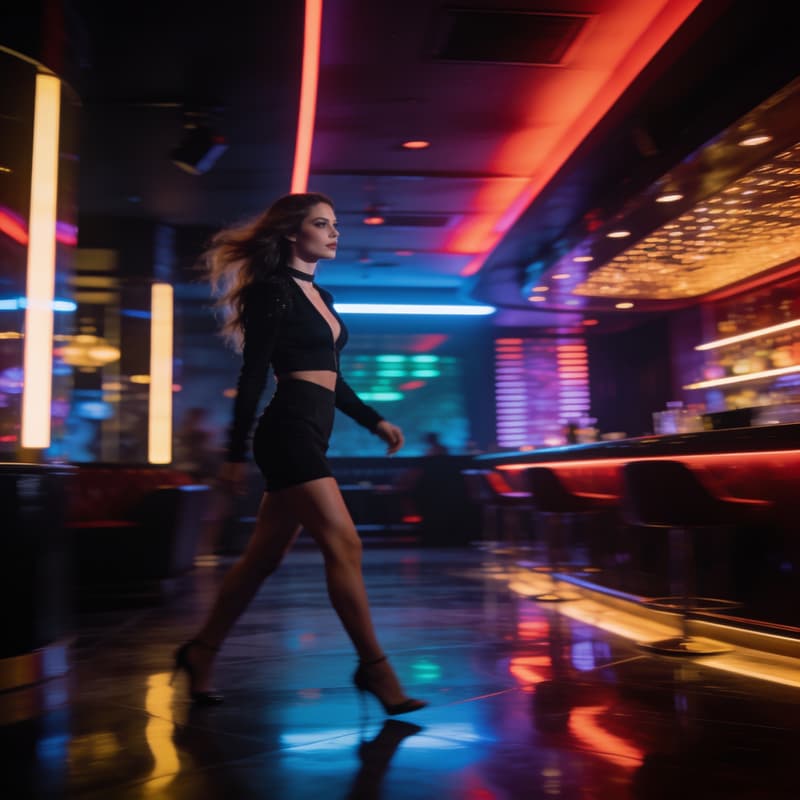
Image → AI Video
(c) Style gallery
(d) Workflow
Upload an image or enter your creative idea.
Describe motion, camera direction, atmosphere, and visual style.
Let UncensoredView transform your concept into a video.
Review your result and use it wherever your creative workflow takes you.

(e) Compare
Compare the workflow and availability of common AI video capabilities. Features vary by provider and model, while UncensoredView keeps its supported image and video tools in one browser-based workspace.
| Feature | Other AI Tools | UncensoredView |
|---|---|---|
| AI Text to Video | Yes | Yes |
| AI Image to Video | Yes | Yes |
| Celebrity Mode | Varies | Available |
| Multiple Visual Styles | Varies | Multiple |
| Simple Workflow | Varies | Yes |
| Browser-Based | Often | Yes |
| Generation Speed | Model-dependent | Model-dependent |
(f) Creators
“UncensoredView makes it surprisingly easy to turn an image into a dynamic AI video. The workflow is simple and the results are creative.”
“I like being able to start with an image and guide the animation with a prompt. It makes experimenting with different video concepts much faster.”
“The image-to-video workflow is straightforward, and I can quickly test different visual ideas without a complicated editing workflow.”
(g) FAQ
UncensoredView is an NSFW AI video generator that can create videos from text prompts, images, or other creative inputs. UncensoredView provides an easy-to-use workflow for generating AI videos from your ideas and visual references.
Yes. UncensoredView supports image-to-video generation, allowing you to turn a still image into a dynamic AI-generated video.
Yes. You can describe a scene, character, movement, atmosphere, or visual style in a text prompt and use it as the basis for AI video generation.
UncensoredView offers free generation options with usage limits. You can check the current plan details for available credits and features.
Yes. Image references can be used to guide the visual direction of an AI-generated video.
UncensoredView combines text-to-video, image-to-video, multiple visual styles, transparent credit pricing, and private browser-based creation in one workflow.